
Imagine this: one employee’s leave bank is in one spreadsheet file, their attendance record is in a different file, and their salary is in another document that is known to only one person. If this sounds relatable, you know the purpose of HR software, and you may have googled “what is HRMS” in frustration.
As businesses evolve, this kind of disorganized bookkeeping stops being a trivial issue and starts wasting hours that HR assistance does not have.
What Is HRMS?
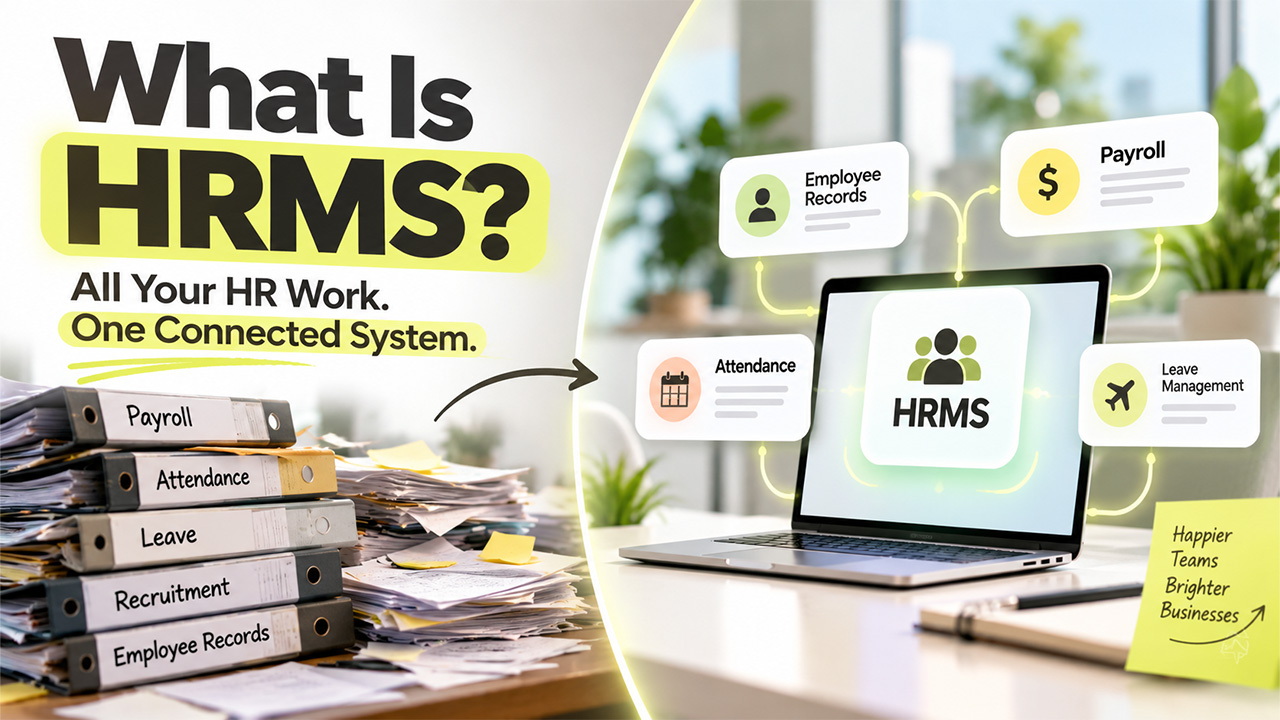
Human Resource Management System (HRMS) is simply a software that lets companies organize, manage, and automate their everyday HR processes instead of juggling each task separately. When someone asks the question, “What is HRMS?”, the simple answer is that it is a place where employee data and the processes surrounding it come together.
The HRMS meaning becomes easier to understand when you look at how a company handles employee information from joining to leaving. Without the proper HR management software, the information gets dispersed across folders and spreadsheets, and it can easily get lost among other applications that require separate passwords.
What Is HRMS Software Used For?
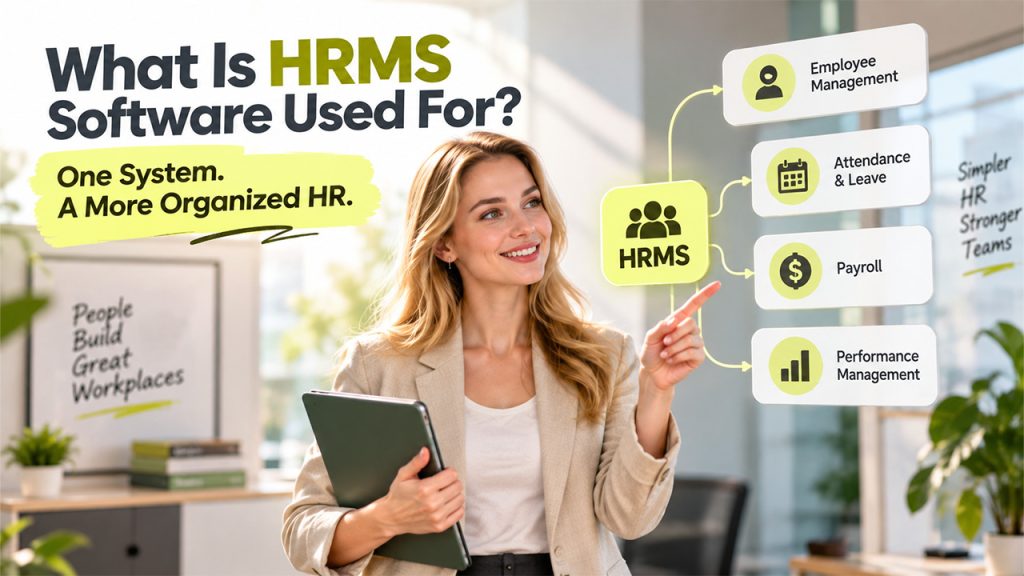
At its core, HRMS software links employee data to the HR processes an organization runs regularly. Instead of typing the same details into three or four separate files every time something changes, that information lives in one system and gets pulled into whatever module needs it, including payroll. If you’re still wondering what HRMS is supposed to feel day-to-day, this connected-data approach is basically the answer.
- Employee data goes in first, and this is usually the heaviest lift. HR enters details like name, role, department, and salary, setting up the record that everything else in the system eventually draws from. Once this baseline is in place, updating it later takes far less effort than starting from scratch each time.
- That information then stays connected across the platform instead of sitting in isolated silos. Rather than re-entering the same details into payroll, attendance, and performance tools separately, each module simply pulls from what’s already been entered once. This is really where most of the day-to-day time savings come from.
- Employees and managers each get a scoped-down view built for what they actually need to do. Employees handle routine tasks like leave applications and detail updates through self-service, freeing HR for things that genuinely need a human. Managers, meanwhile, approve leave and pull attendance numbers for their own team without wading through unrelated records.
This cuts down on repetitive admin, but it doesn’t run itself. Someone on the HR side still has to check that data and policies stay accurate because HRMS software organizes the work rather than replacing the judgement behind it.
What Are the Features of HRMS?
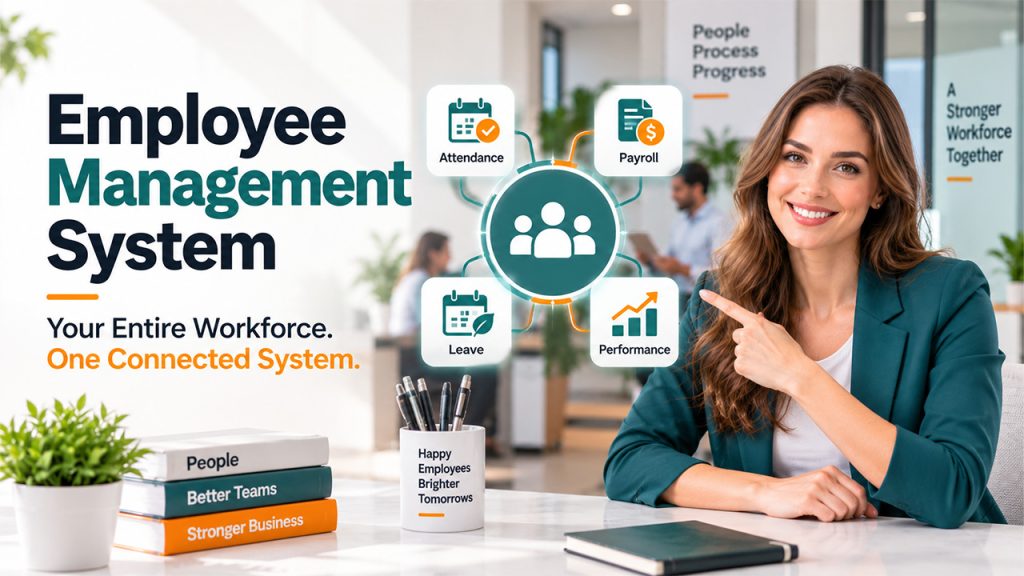
Once the basics of what HRMS is out of the way, the next question is what actually sits inside one of these platforms. A small startup may only need records and leave tracking, while a larger company wants recruitment and reporting baked in too. Most platforms offer some version of the following.
| Feature | What It Does |
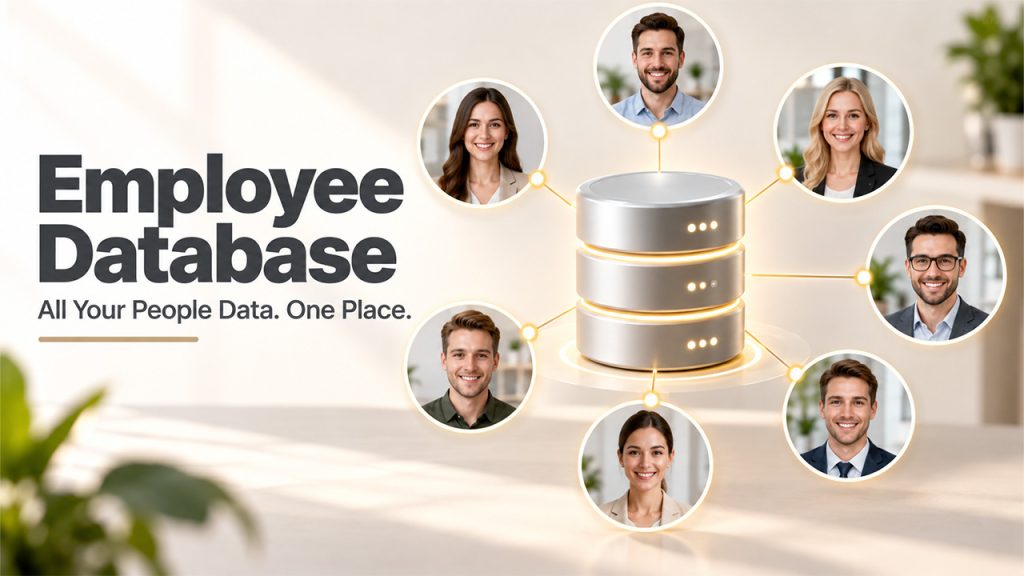
| Employee database | Stores profiles, job details, documents, and employment history in one place |
| Payroll management | Calculates and processes salaries using existing employee data |
| Time and attendance | Tracks working hours, shifts, overtime, and attendance patterns |
| Leave management | Manages leave balances, requests, approvals, and policies |
| Recruitment management | Helps HR organize candidate pipelines and hiring activity |
| Onboarding | Walks new hires through joining formalities and setup tasks |
It’s worth resisting the urge to sign up for every module a provider offers, since paying for features your team barely touches just adds clutter. Start with whatever tasks are eating the most time and build outward from there.
Who Actually Uses an HRMS?

Understanding what HRMS means for a business has a lot to do with who ultimately uses it. People tend to think you only need HR software once you have hundreds of employees, and that is not the case at all; even small businesses use it once spreadsheets start to compromise productivity.
The choice depends on the size of the team and the extent to which the business wants to automate processes. Small companies use an HRMS to manage records, leaves, attendance, and payroll in a single location, while larger businesses rely on numerous modules for different purposes. HR practitioners use it to minimize administrative processes; managers approve requests through the system, and employees make use of self-service options for payslips and other requests.
HRMS vs HRIS vs HCM
Anyone comparing HR software eventually runs into these three terms, and they can seem interchangeable since providers don’t use them consistently.
| Term | What It Generally Covers |
| HRMS | Employee data combined with payroll, attendance, leave, recruitment, and performance |
| HRIS | Primarily focused on storing and managing employee information |
| HCM | Broader workforce management, including talent, performance, and development |
Sorting out HRMS, HRIS, and HCM matters once budgets and contracts get involved. The HRMS Full Form itself hints at this, since the “management system” points toward something broader than record-keeping.
For more HR technology insights and practical guides, visit the HRCRM blog
Conclusion
An HRMS offers a single place for businesses to manage employee records and activities. If used correctly, it can eliminate repetitive activities, tidy up records, and provide valuable data to human resource professionals. Nobody needs a product full of bells and whistles; the most important thing to do is choose a system that performs essential operations.
The true change happens when HR stops spending its time chasing scattered records and instead works on processes that require human judgement, such as working on some policy or dealing with difficult employee problems.
If you’ve been asking, “what is HRMS?”, we hope by now you have got a little bit of clarity.
Frequently Asked Questions
Q1. What does HRMS stand for?
A- HRMS is the abbreviation for Human Resource Management System, the system used to manage personnel matters and keep records of HR activities in a centralized venue.
Q2. How is HRMS software used?
A- HRMS is mainly used for keeping information regarding employees, their presence and absences, salary management, hiring processes, etc.
Q3. What is the distinction between HRMS and HRIS?
A- HRIS is more focused on personnel data, while HRMS covers a wider range of processes involved in the automated management of human resource-related operations.
Q4. Can an HRMS be employed by small companies?
A- Yes. Small businesses can benefit from using HRMS to organize records and streamline their basic operations.