
Build Schedules That Work for
People
Plan schedules ahead, align employees with the right shifts, and give managers a clearer view of workforce coverage before the day begins.

Because a Schedule Is More Than
a List of Names
HRCRM Shift Management brings employee availability, shift assignments, working hours, and schedule changes into one place, helping managers coordinate coverage while employees know when and where they're expected to work.
The Shift Problems Businesses Know Too Well
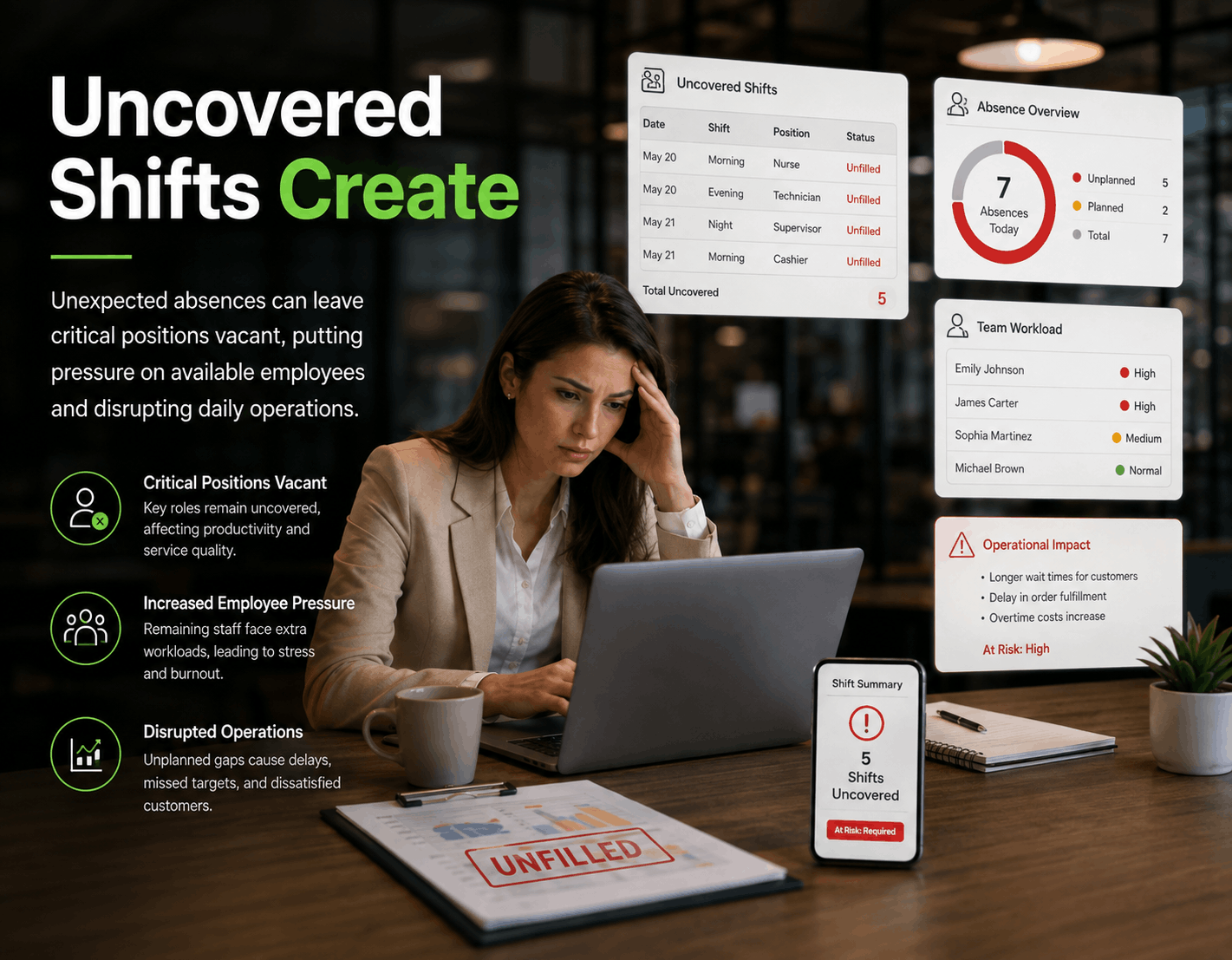
Uncovered Shifts Create
Unexpected absences can leave critical positions vacant, putting pressure on available employees and disrupting daily operations.
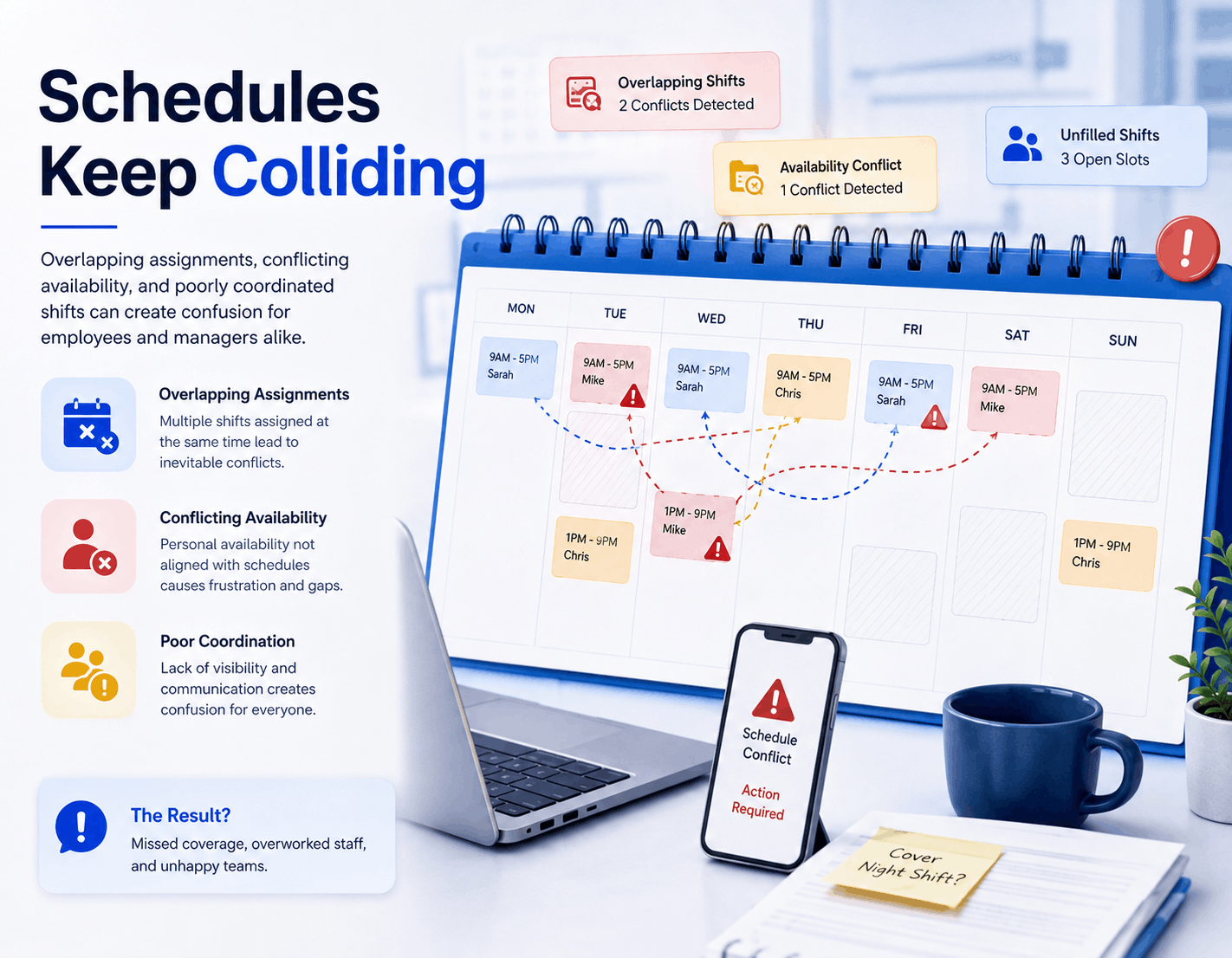
Schedules Keep Colliding
Overlapping assignments, conflicting availability, and poorly coordinated shifts can create confusion for employees and managers alike.
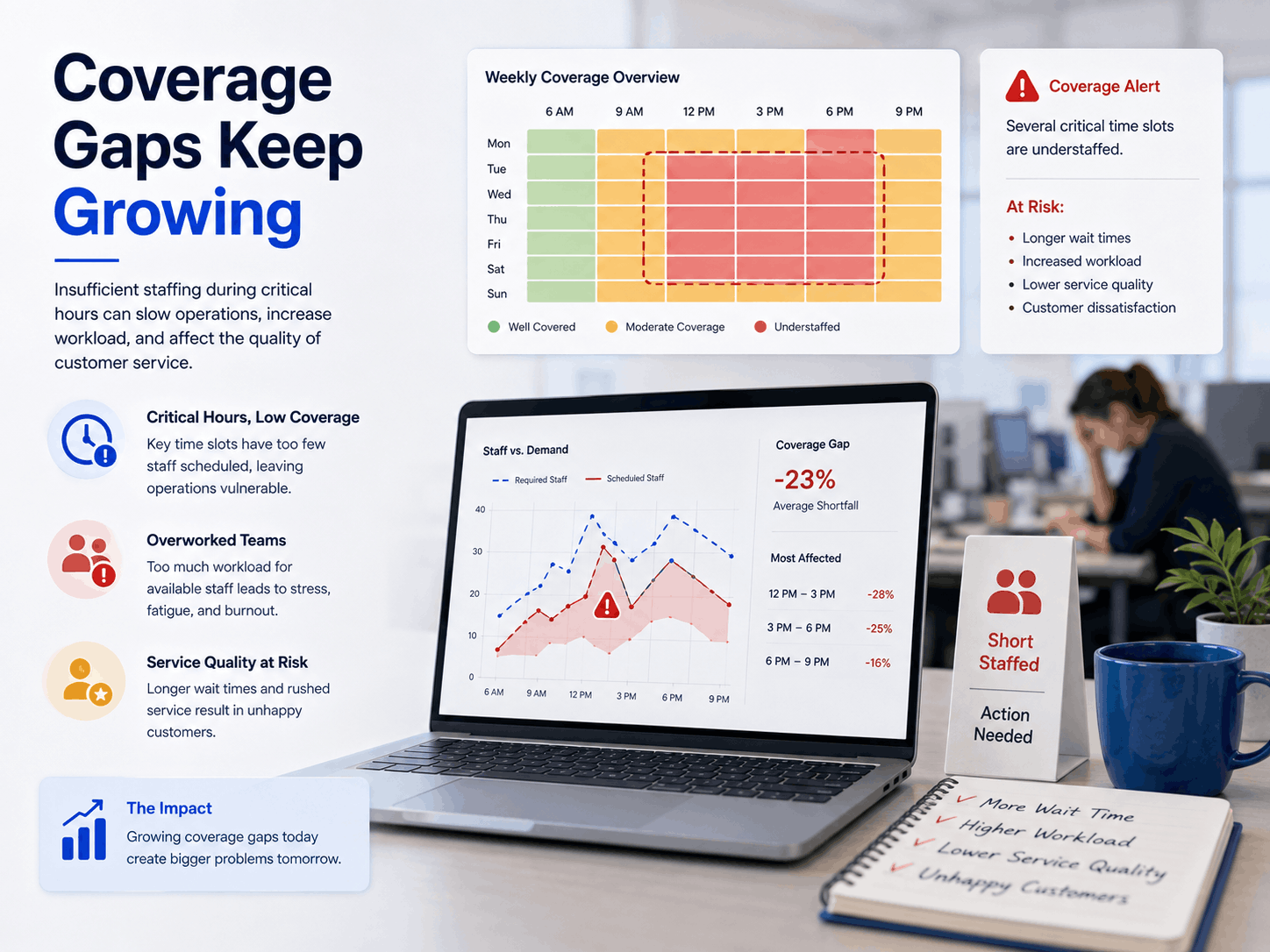
Coverage Gaps Keep Growing
Insufficient staffing during critical hours can slow operations, increase workload, and affect the quality of customer service.
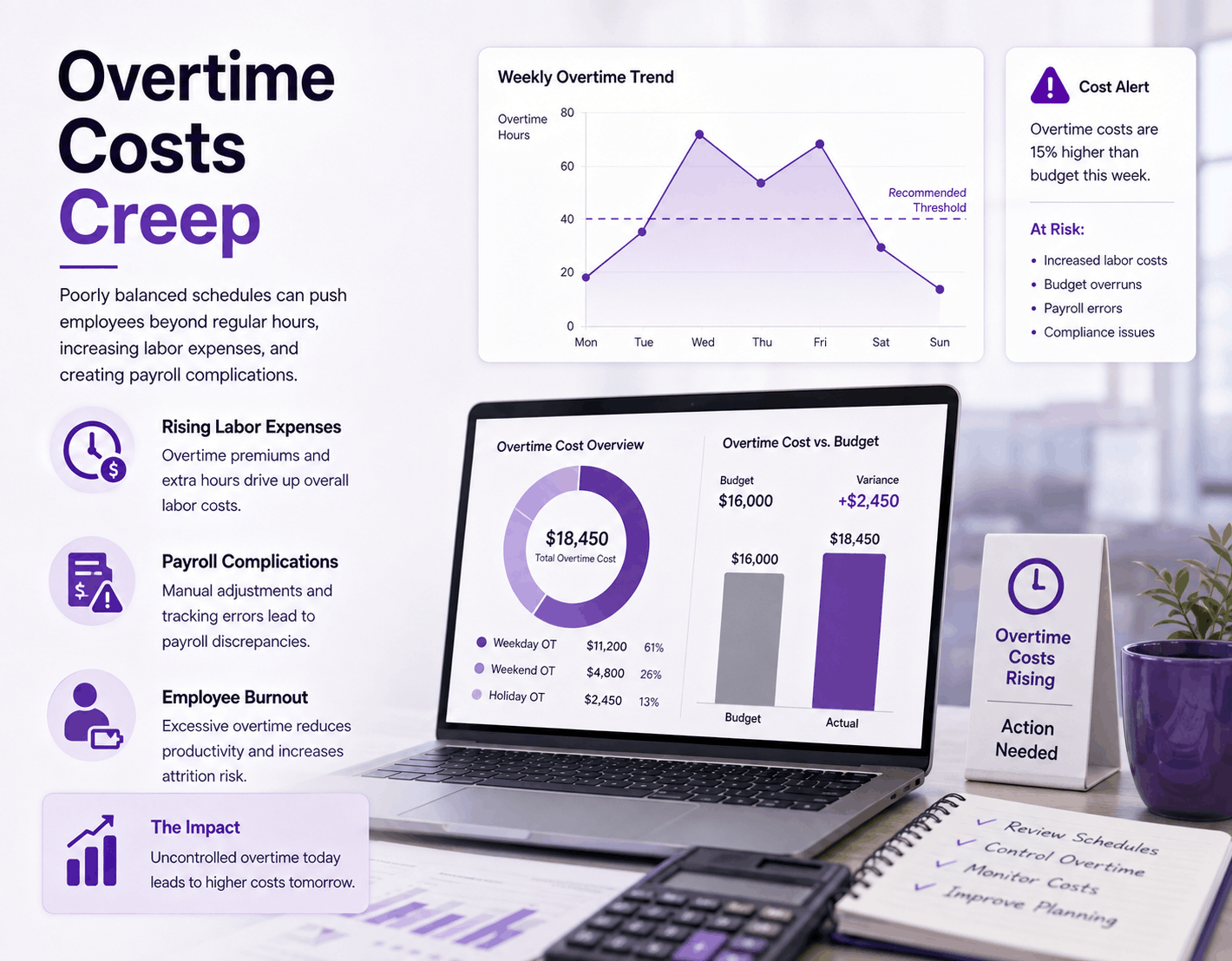
Overtime Costs Creep
Poorly balanced schedules can push employees beyond regular hours, increasing labor expenses, and creating payroll complications.
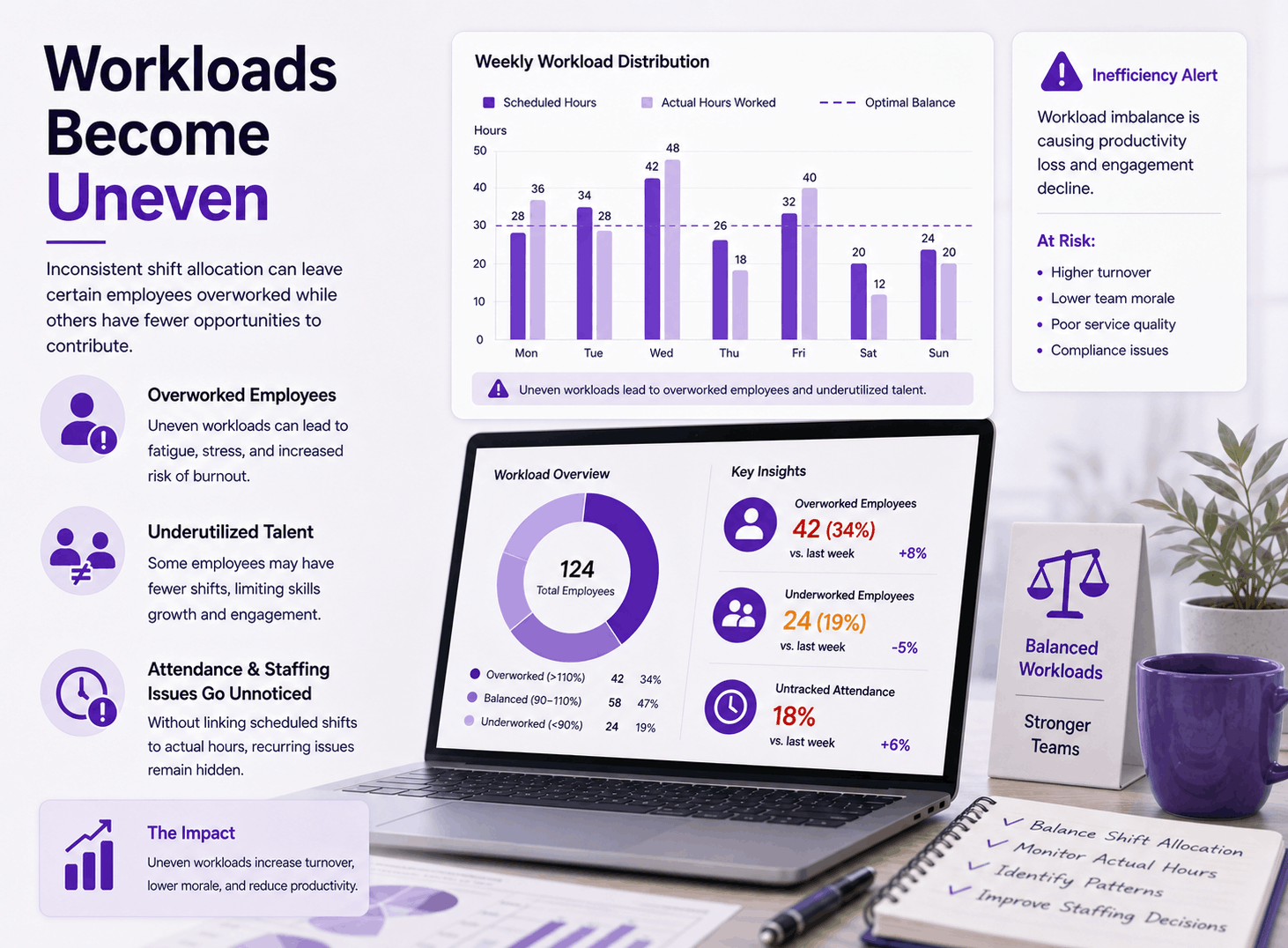
Workloads Become Uneven
Inconsistent shift allocation can leave certain employees overworked while others have fewer opportunities to contribute.
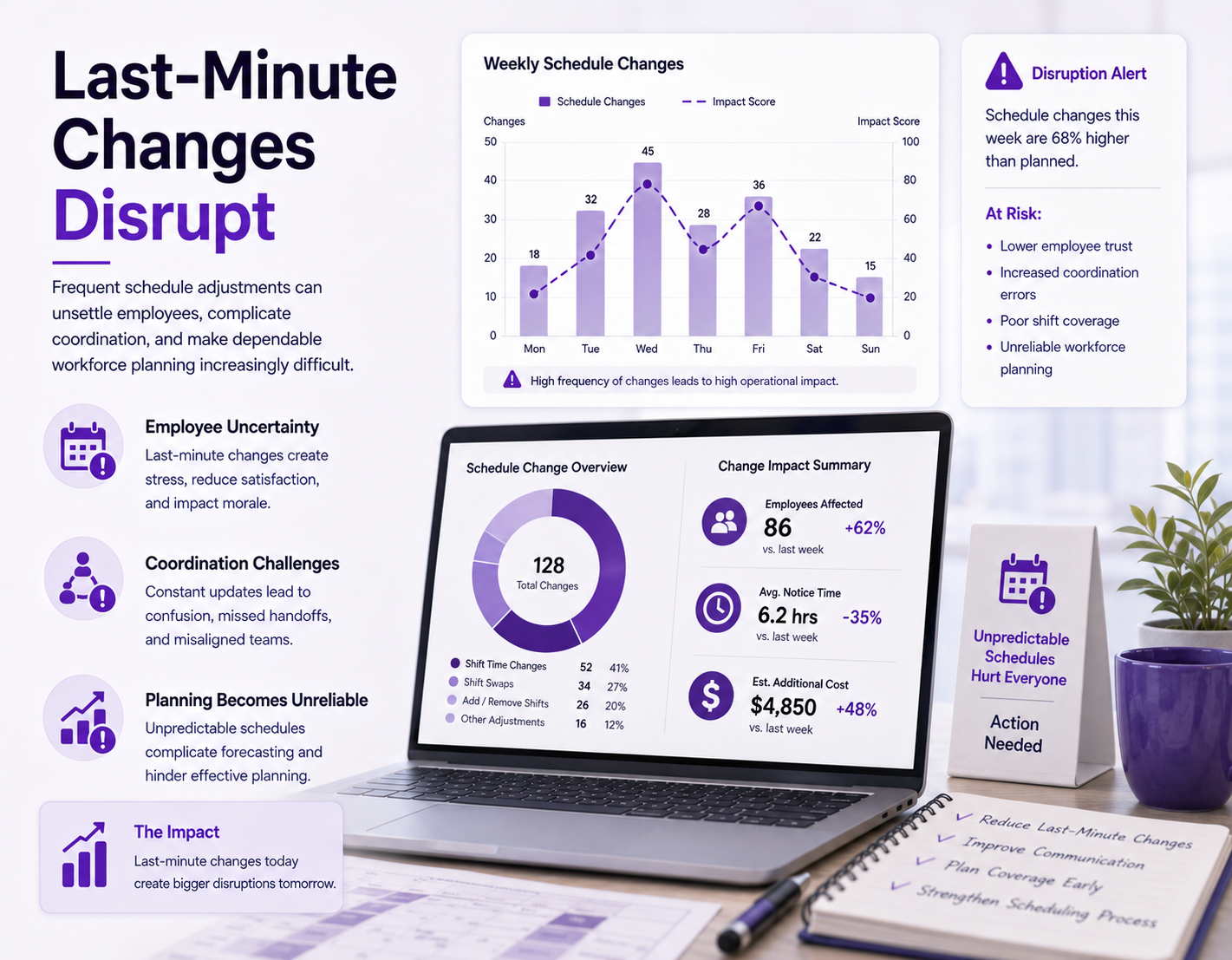
Last-Minute Changes Disrupt
Frequent schedule adjustments can unsettle employees, complicate coordination, and make dependable workforce planning increasingly difficult.
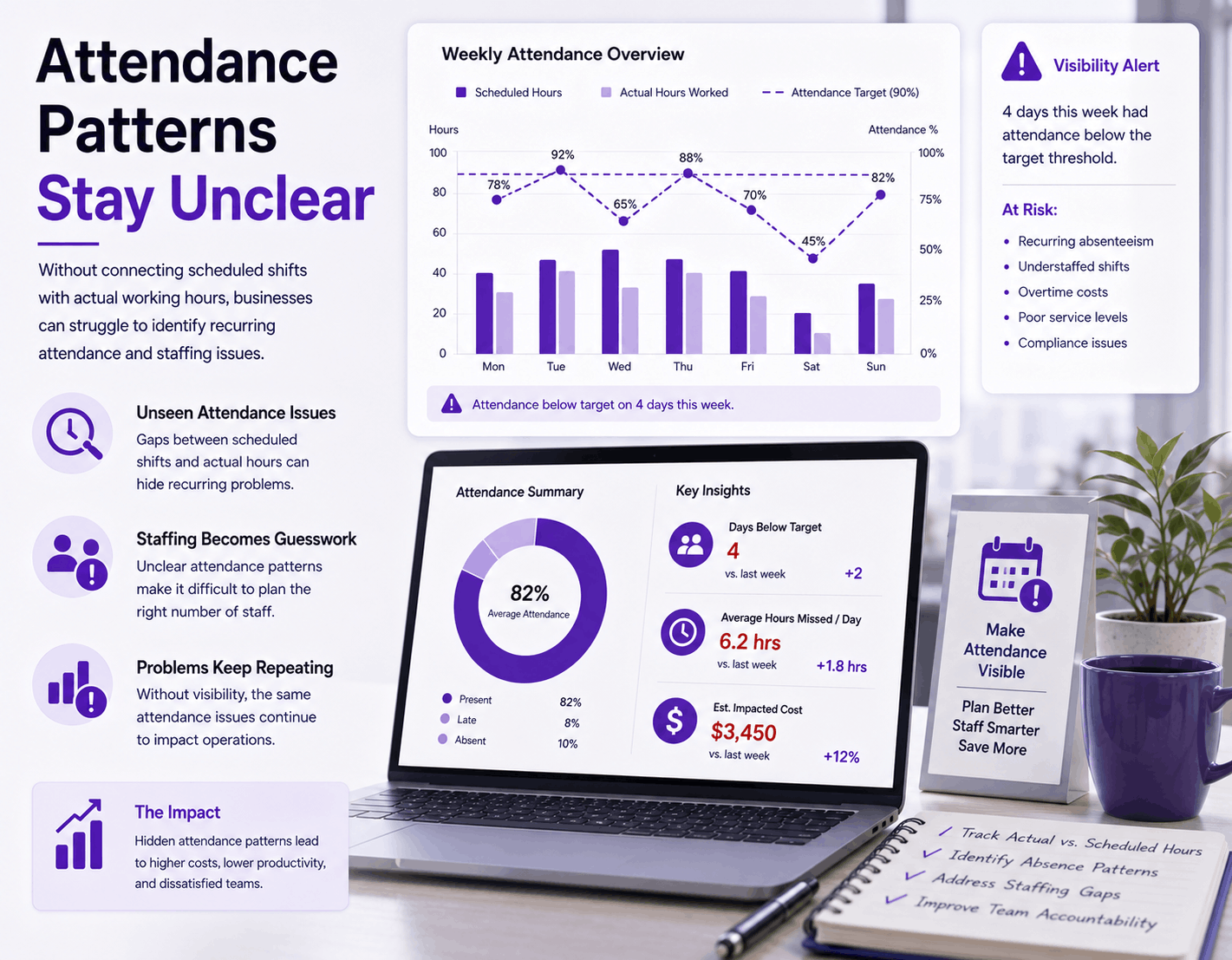
Attendance Patterns Stay Unclear
Without connecting scheduled shifts with actual working hours, businesses can struggle to identify recurring attendance and staffing issues.
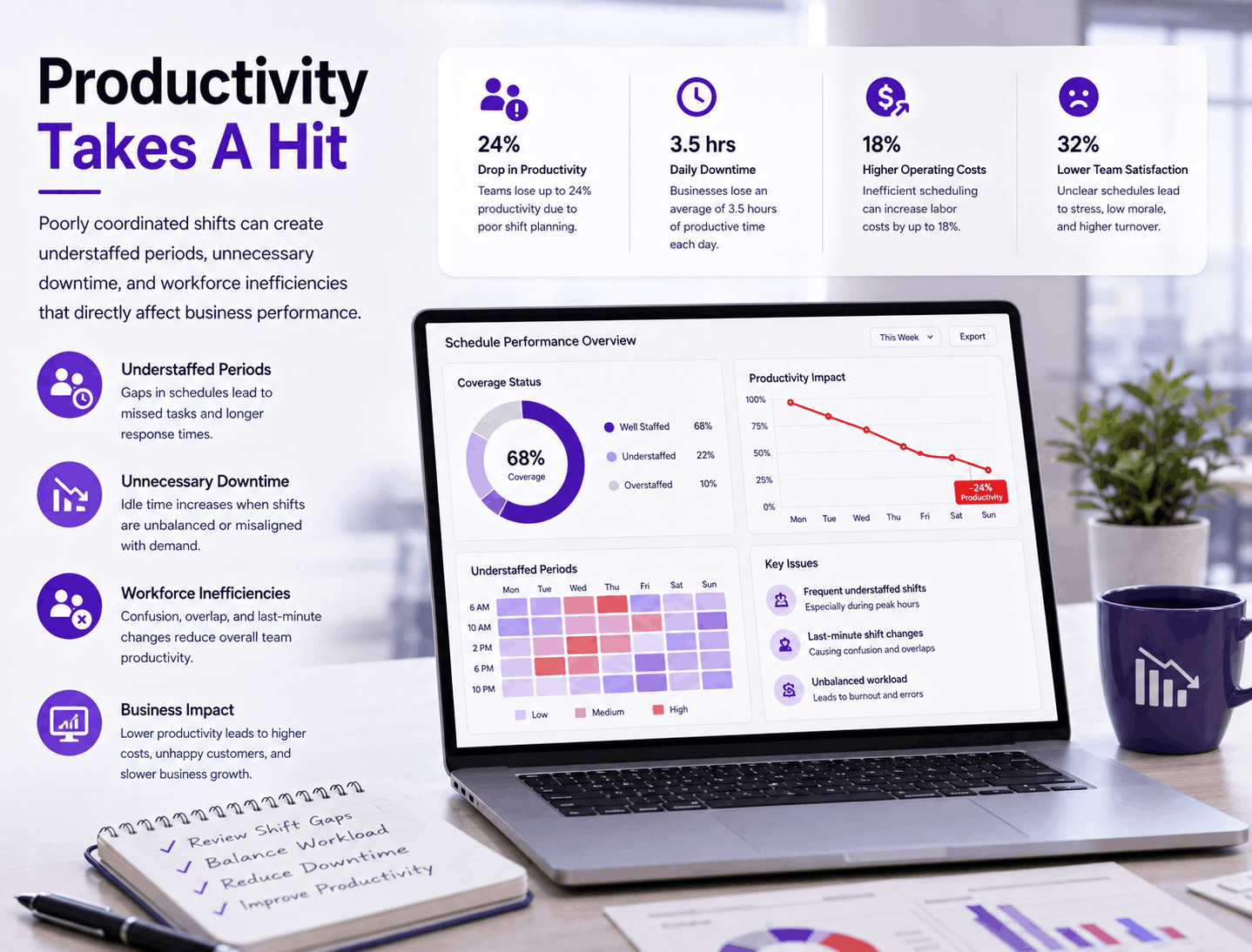
Productivity Takes A Hit
Poorly coordinated shifts can create understaffed periods, unnecessary downtime, and workforce inefficiencies that directly affect business performance.
Why HRCRM Fits Shift-Based
Workforces
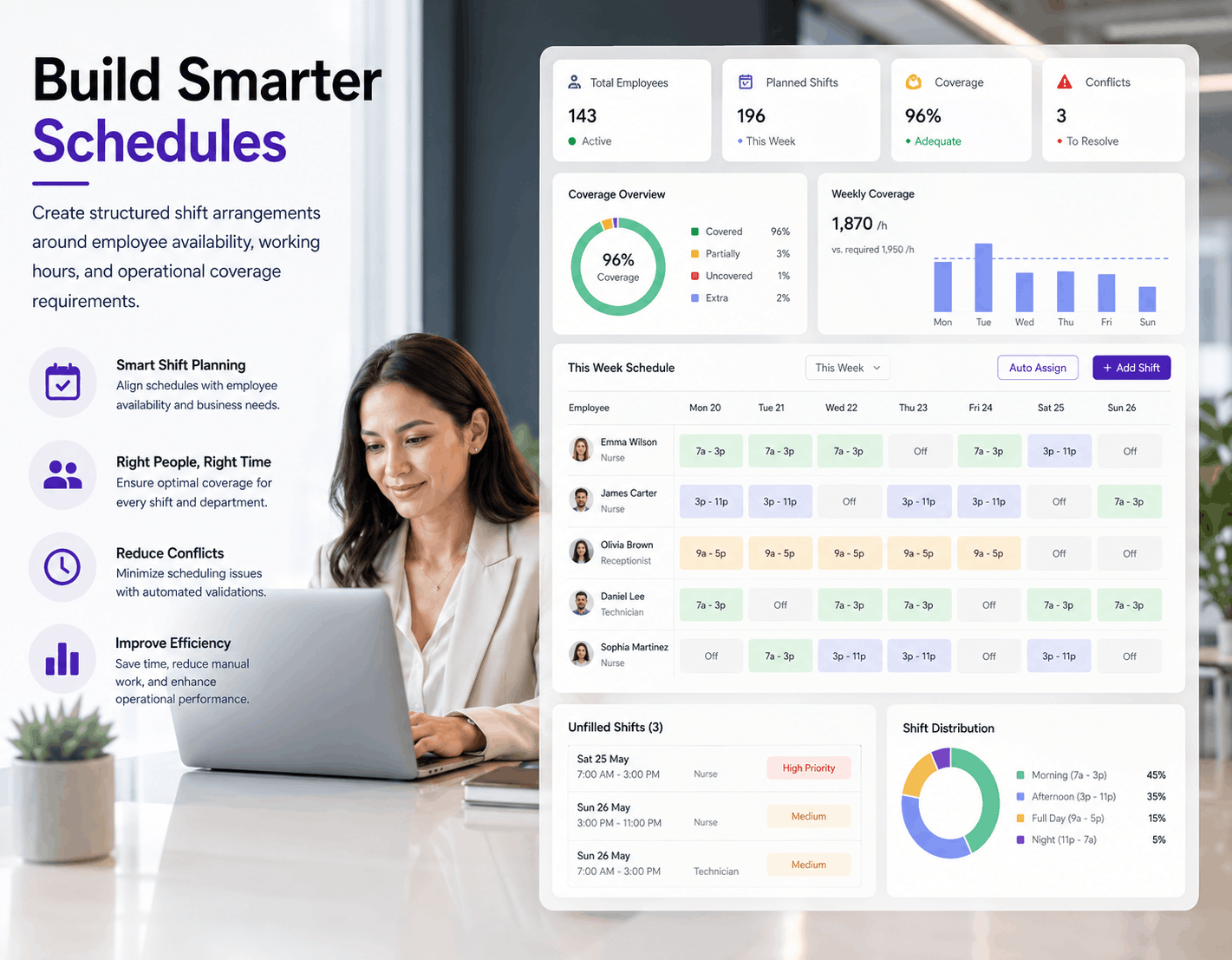
Build Smarter Schedules
Create structured shift arrangements around employee availability, working hours, and operational coverage requirements.
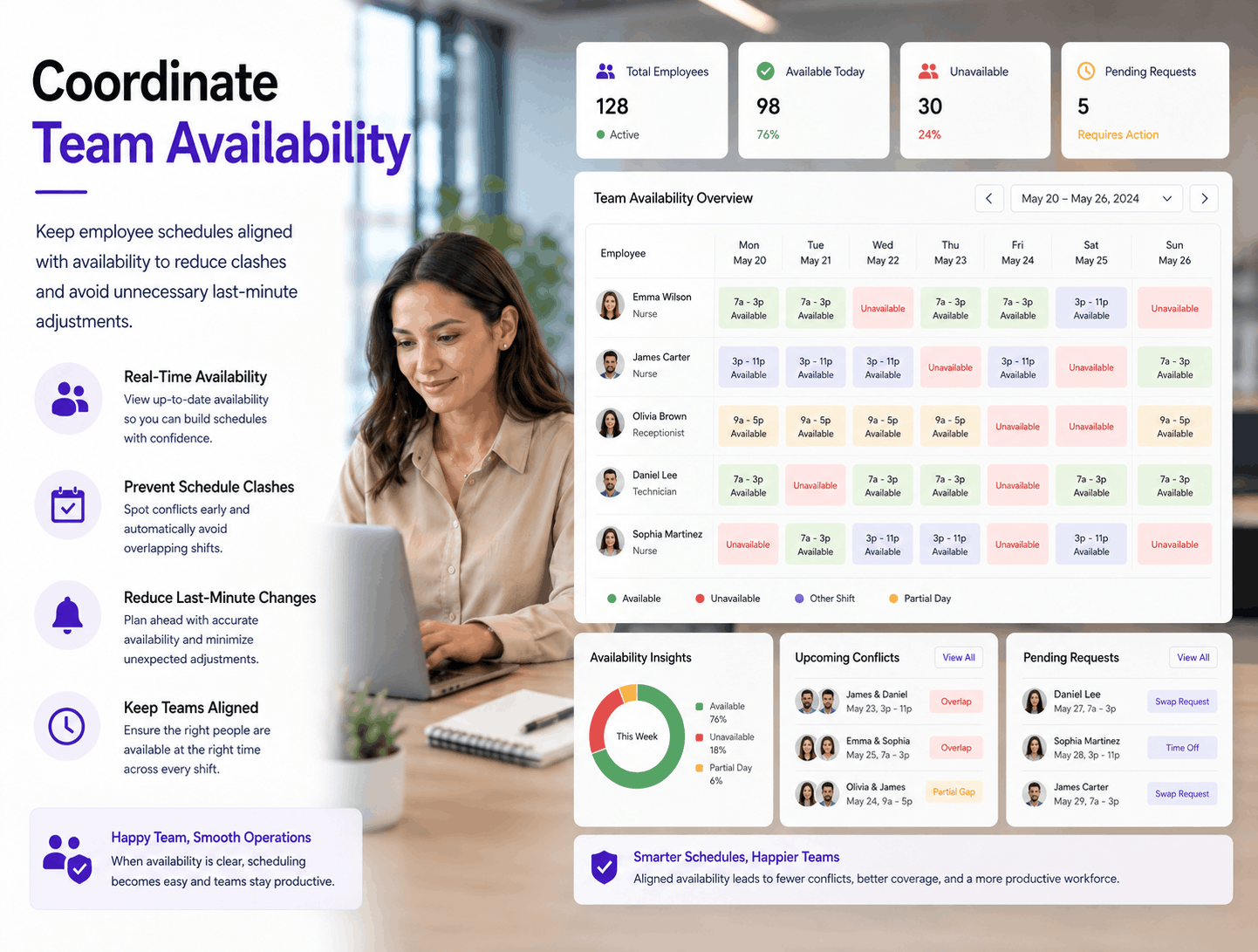
Coordinate Team Availability
Keep employee schedules aligned with availability to reduce clashes and avoid unnecessary last-minute adjustments.
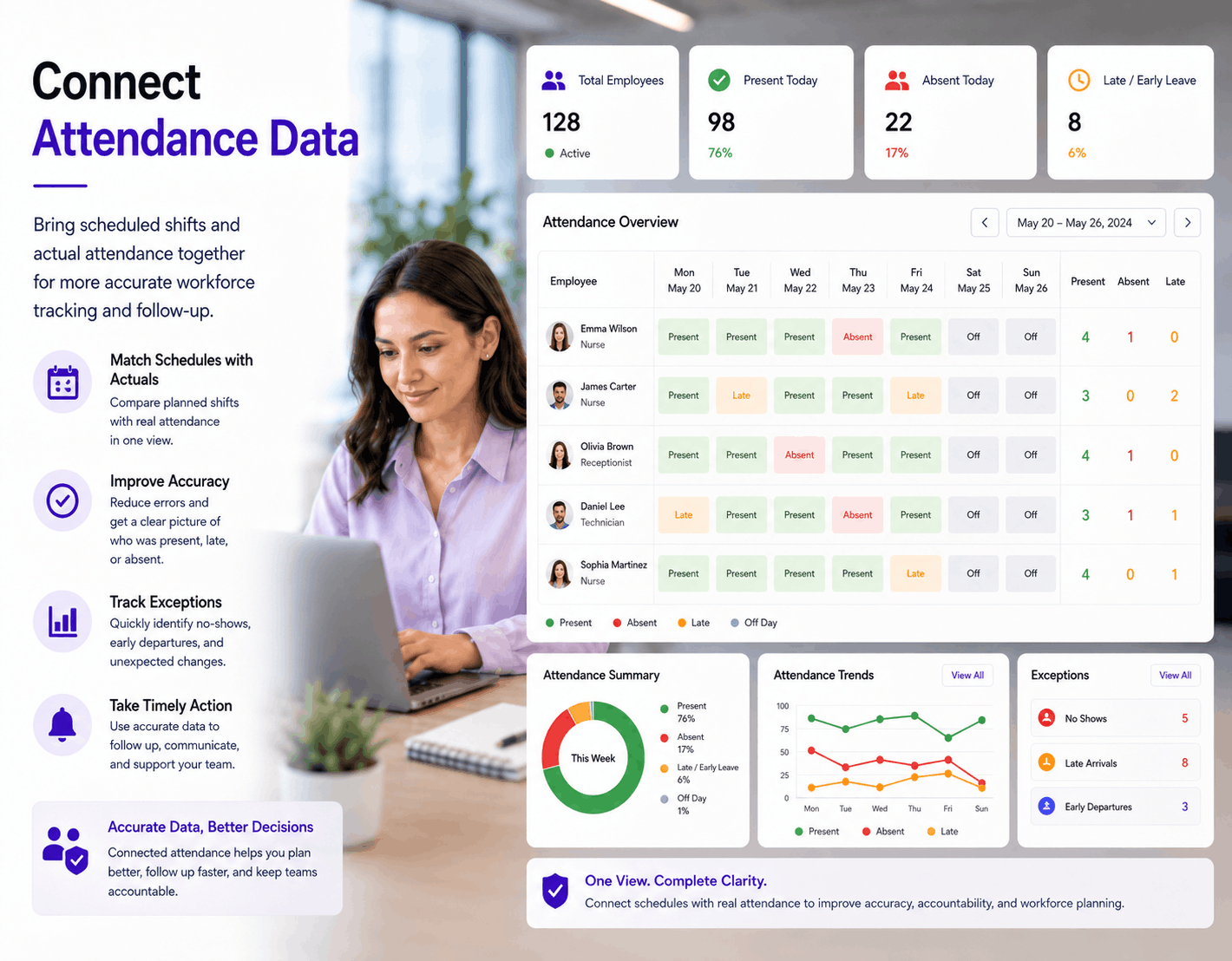
Connect Attendance Data
Bring scheduled shifts and actual attendance together for more accurate workforce tracking and follow-up.
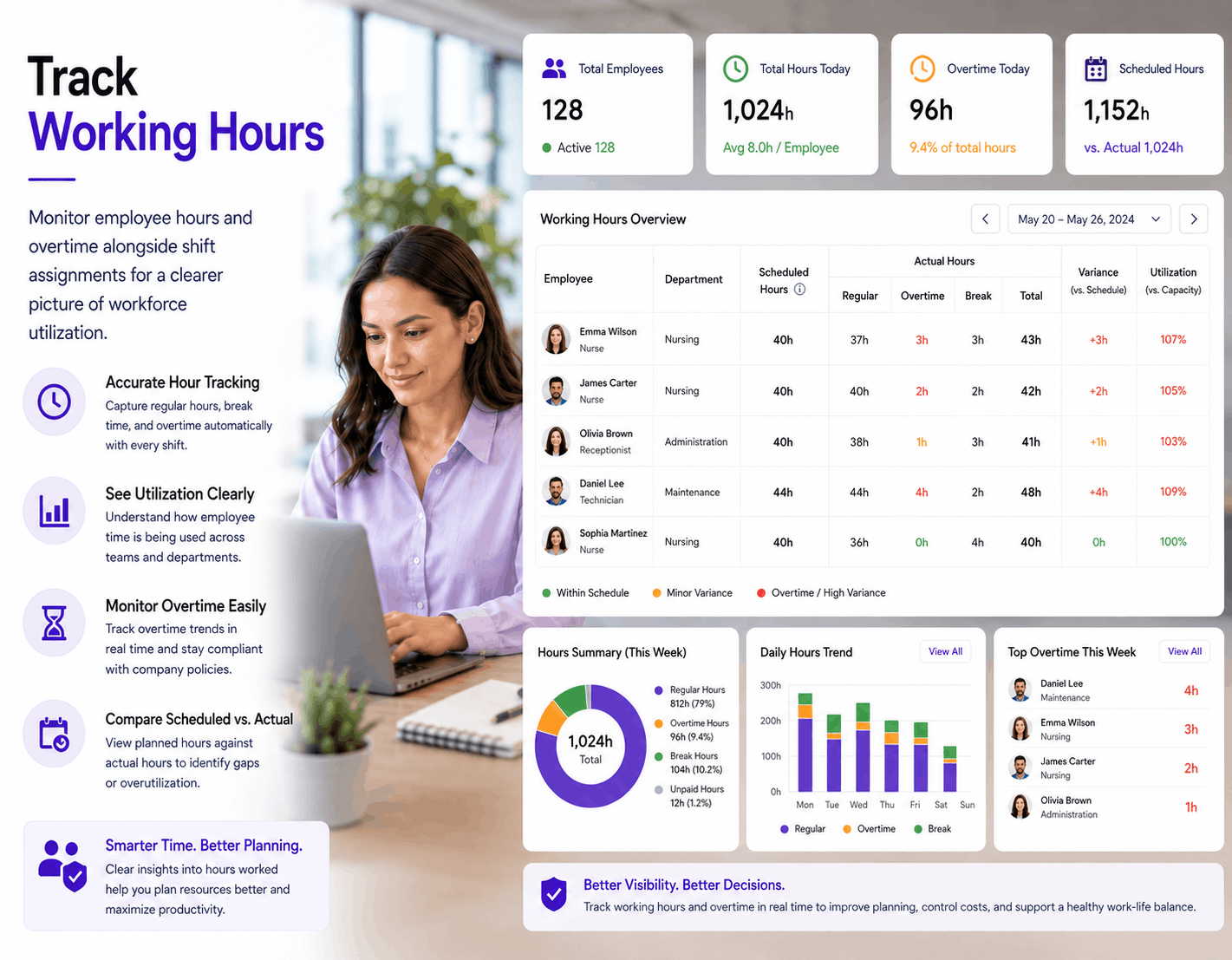
Track Working Hours
Monitor employee hours and overtime alongside shift assignments for a clearer picture of workforce utilization.
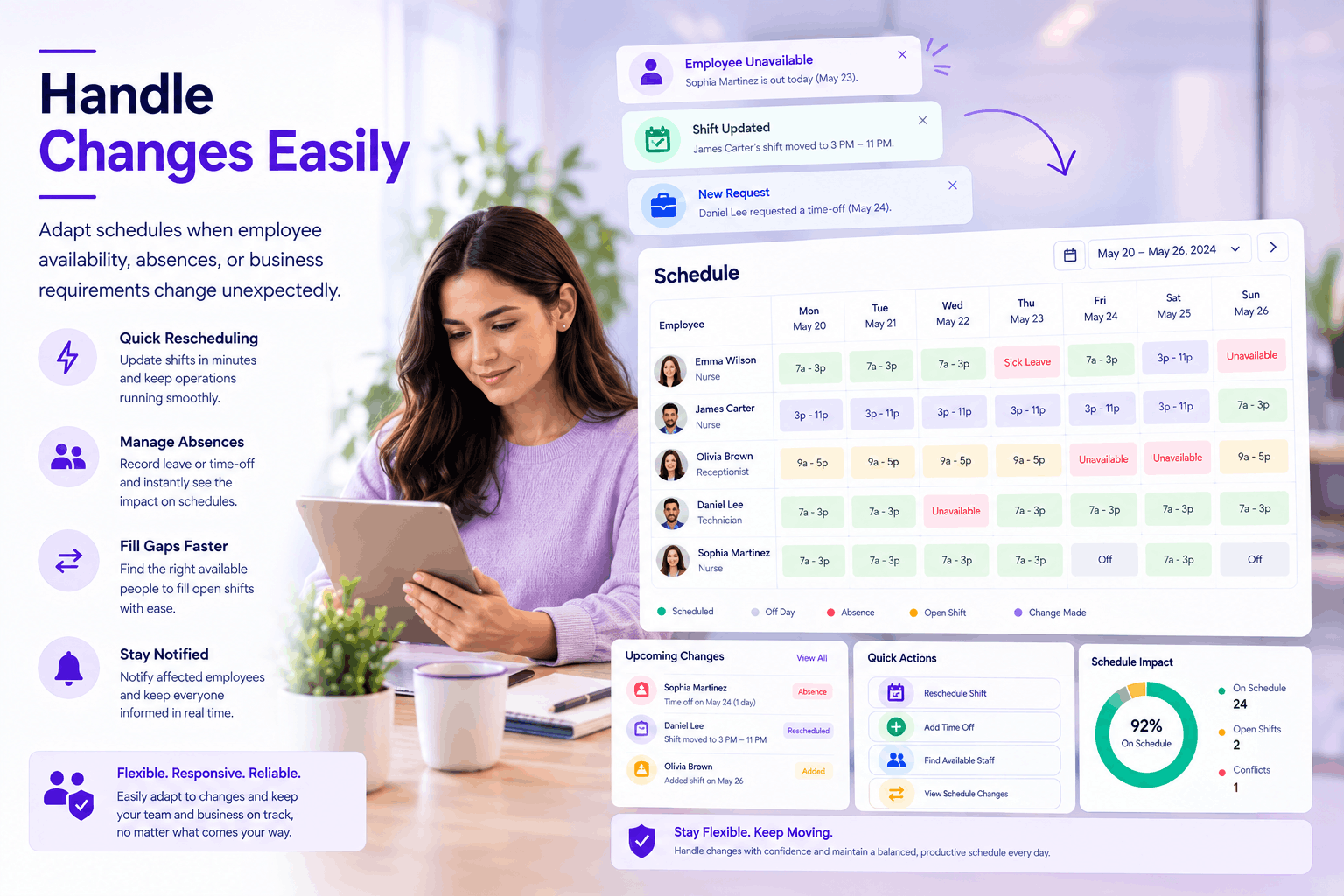
Handle Changes Easily
Adapt schedules when employee availability, absences, or business requirements change unexpectedly.
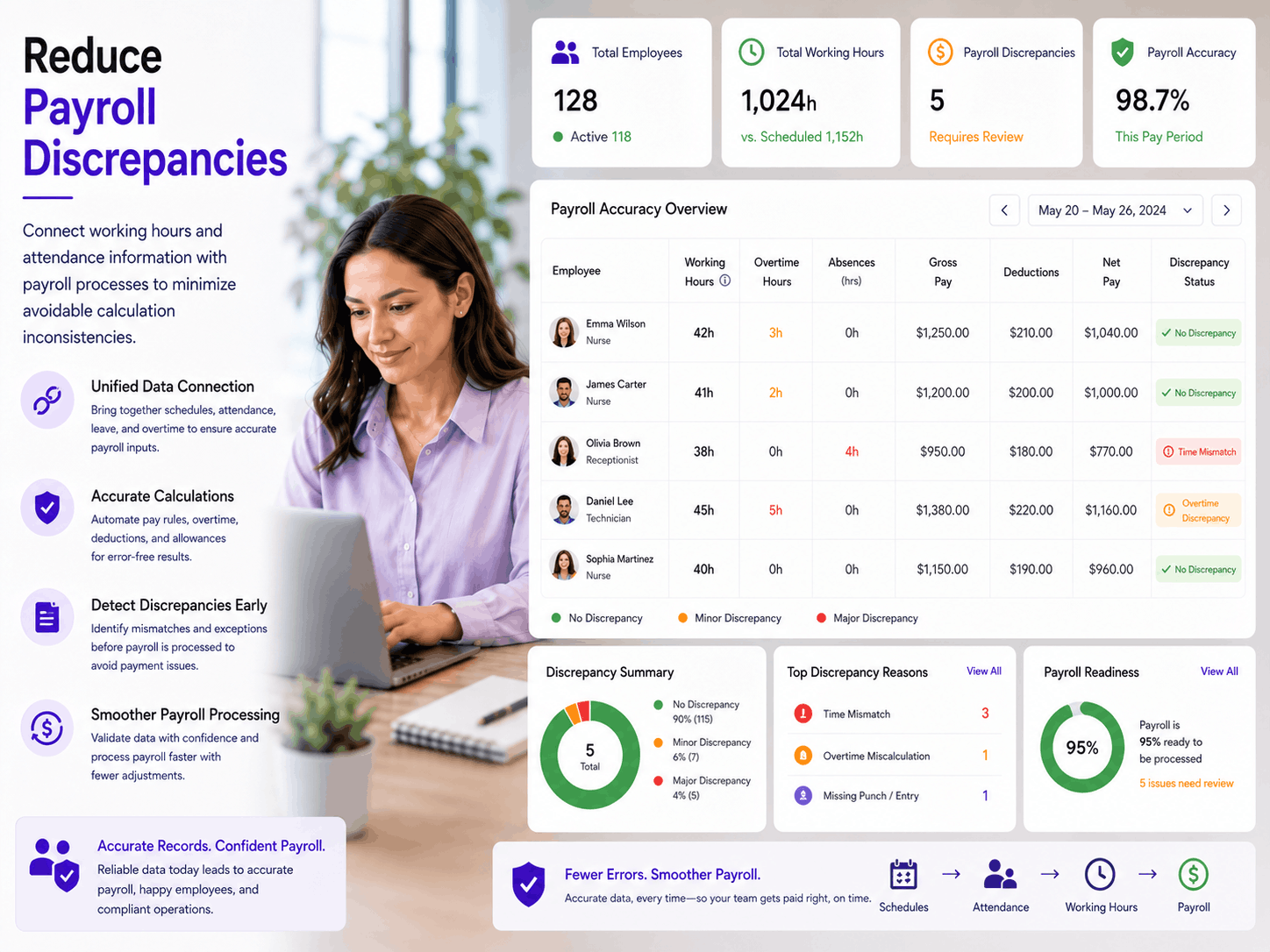
Reduce Payroll Discrepancies
Connect working hours and attendance information with payroll processes to minimize avoidable calculation inconsistencies.
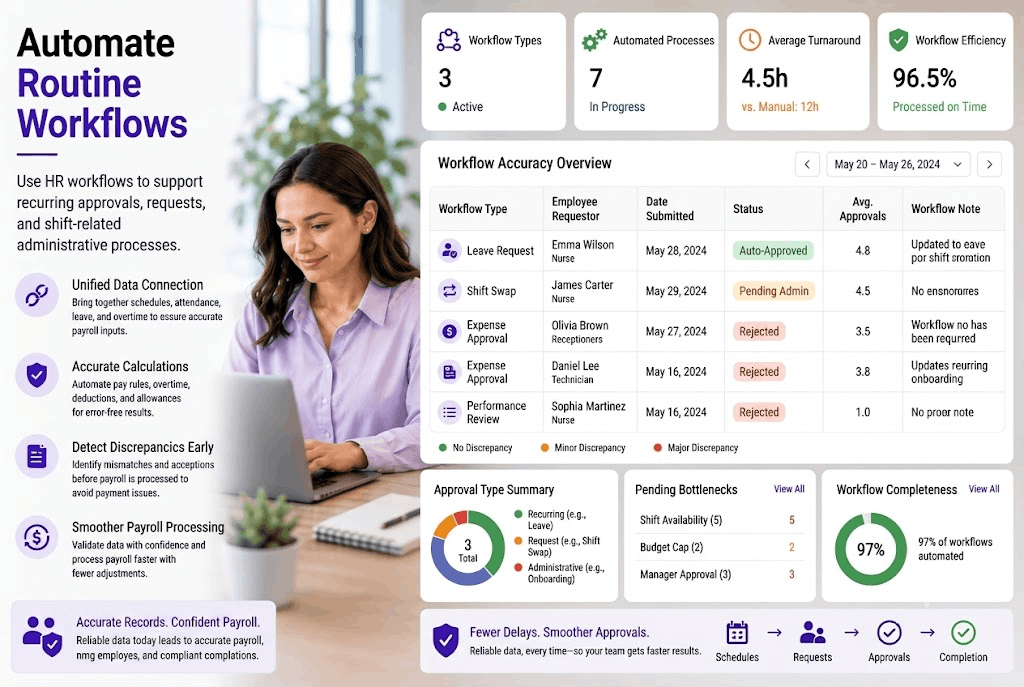
Automate Routine Workflows
Use HR workflows to support recurring approvals, requests, and shift-related administrative processes.
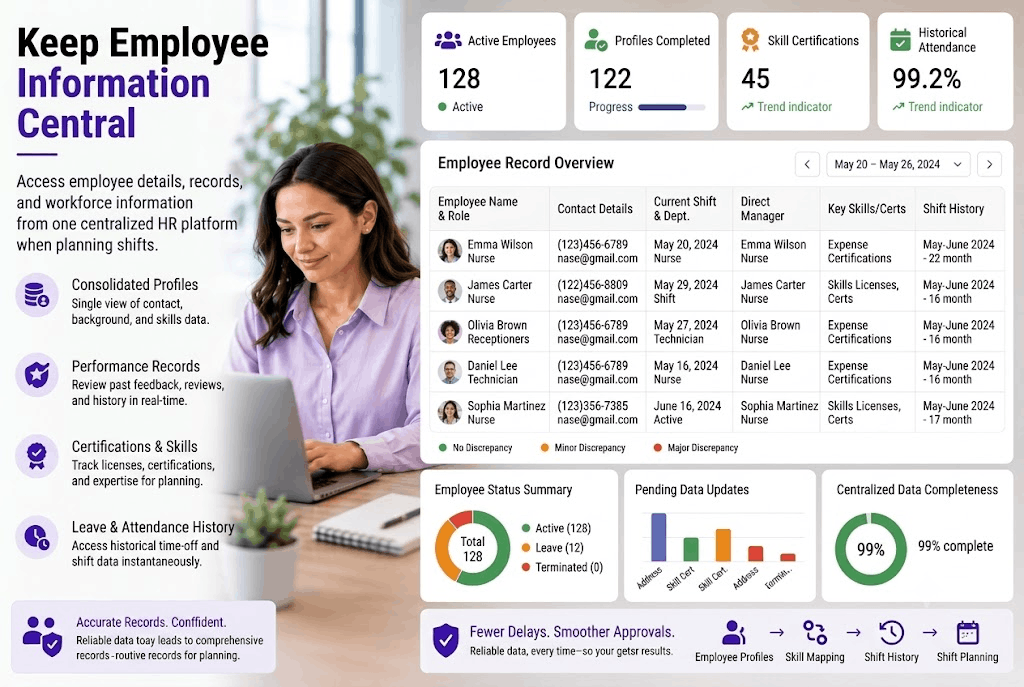
Keep Employee Information Central
Access employee details, records, and workforce information from one centralized HR platform when planning shifts.
Turn Better Shifts Into Better Business
Lower labor costs through better workforce allocation
Reduce disruptions caused by unexpected staffing shortages
Minimize unnecessary overtime and avoidable labor expenses
Support healthier workloads and sustainable employee performance
Maintain reliable coverage during critical operating hours
Improve employee productivity across every scheduled shift
Strengthen service consistency across changing workforce demands
Make workforce planning more predictable as businesses grow
From Shift Plans To Smooth Operations
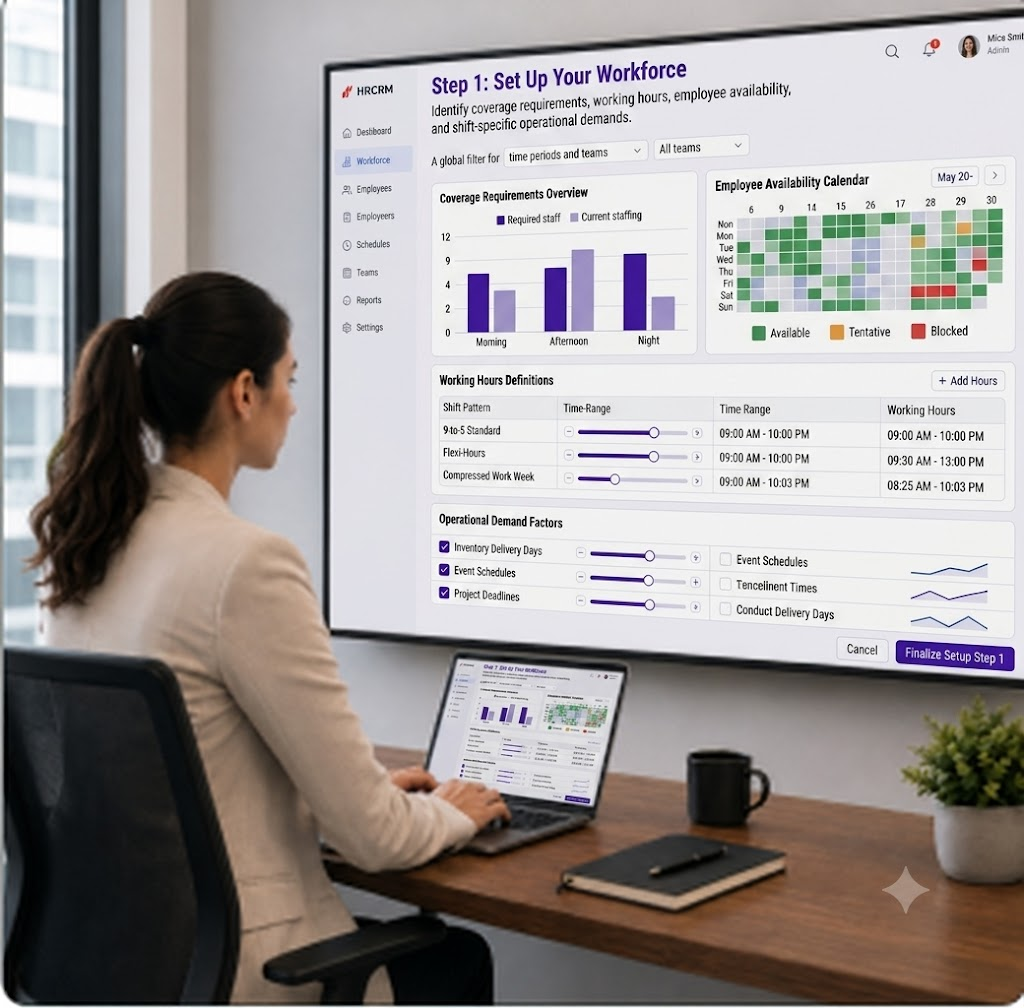
Step 1: Set Up Your Workforce
Identify coverage requirements, working hours, employee availability, and shift-specific operational demands.
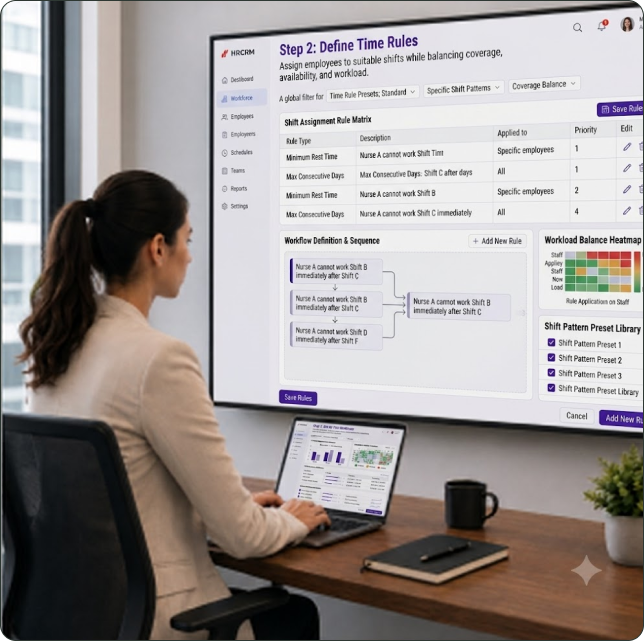
Step 2: Define Time Rules
Assign employees to suitable shifts while balancing coverage, availability, and workload.
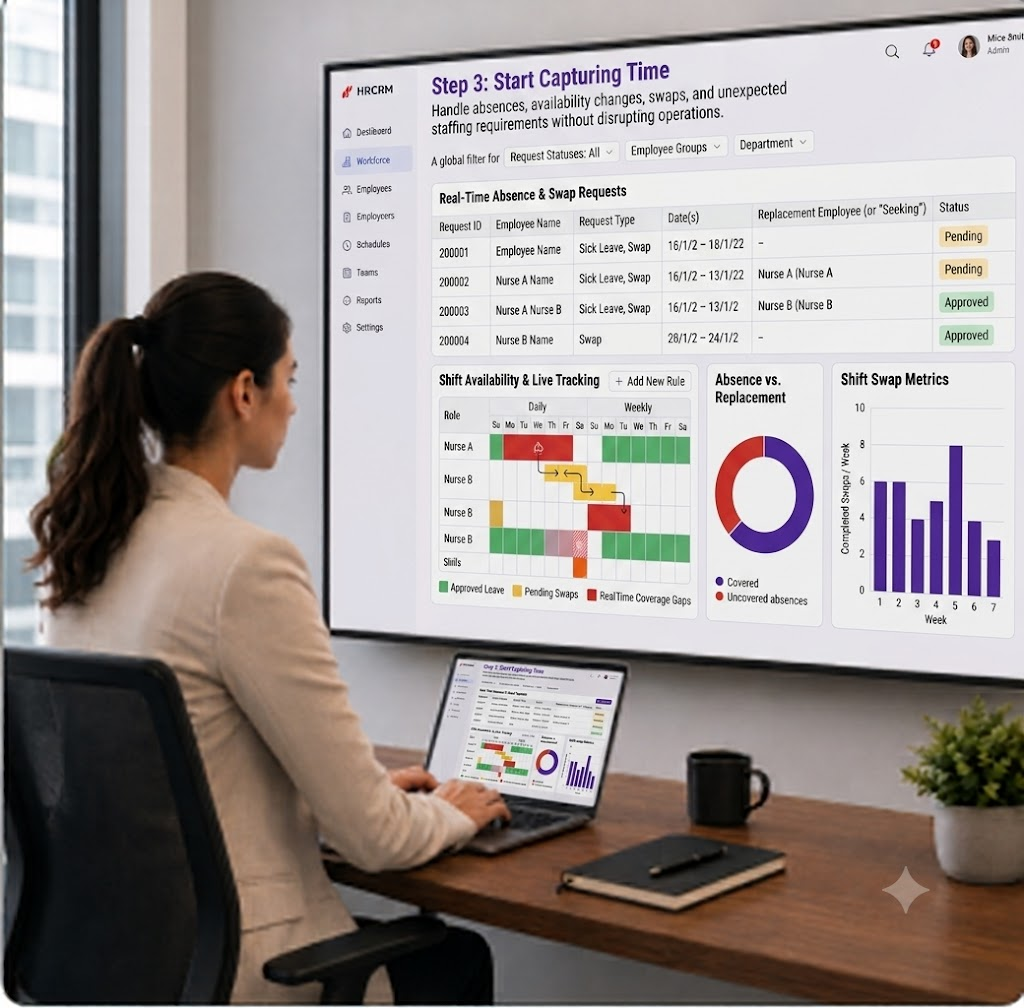
Step 3: Start Capturing Time
Handle absences, availability changes, swaps, and unexpected staffing requirements without disrupting operations.
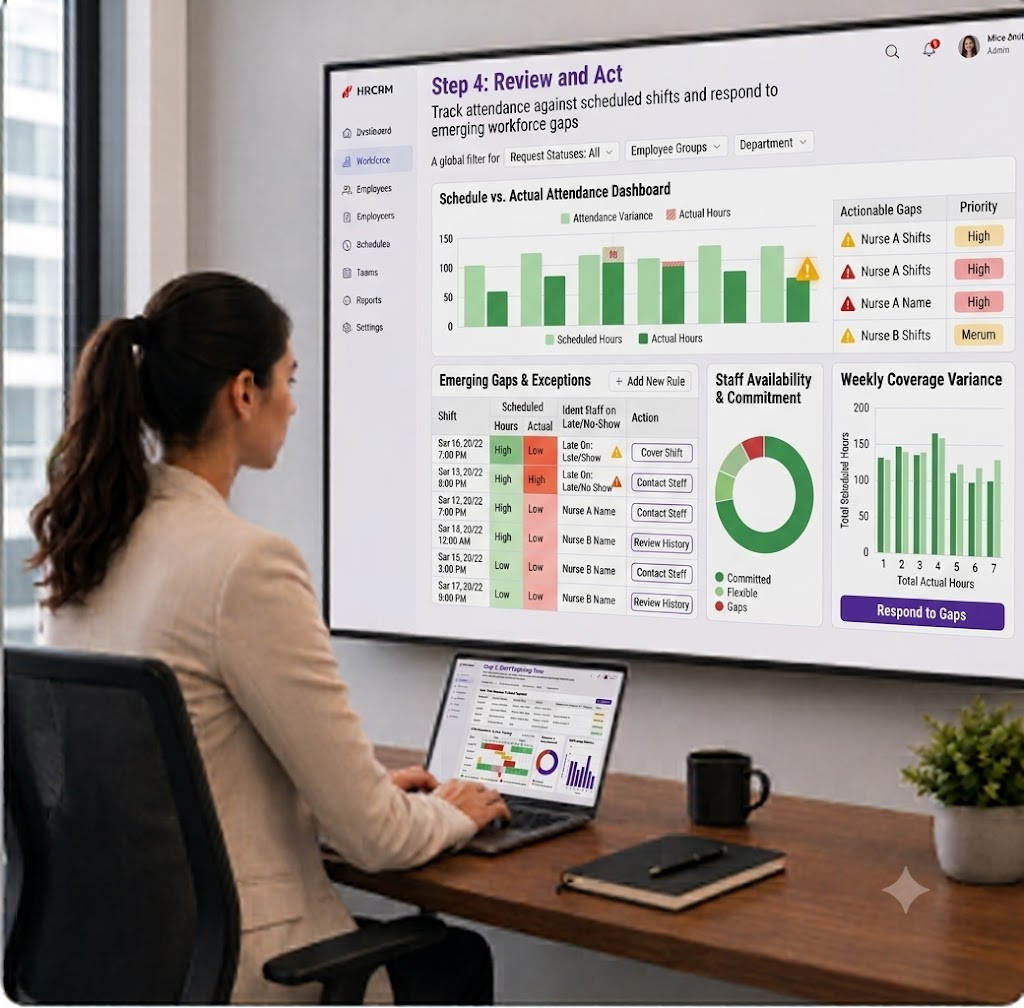
Step 4: Review and Act
Track attendance against scheduled shifts and respond to emerging workforce gaps
Built For Workforces That Run Beyond Nine-To-Five
Round-The-Clock Teams
Keep overnight, daytime, and rotating teams aligned across continuous operations.
Rotating Workforces
Coordinate employees moving between shifts without creating scheduling confusion.
Frontline Staff
Maintain dependable coverage for customer-facing roles throughout operating hours.
High-Demand Teams
Adjust workforce coverage around changing workloads, busy periods, and demand spikes.
Multi-Team Operations
Coordinate different teams working varied schedules across the same organization.
Flexible Workforces
Accommodate changing availability while keeping essential shifts adequately staffed.
Service-Based Teams
Support consistent staffing where employee presence directly impacts customer experience.
Seasonal Workforces
Adapt staffing levels as business activity rises and falls seasonally.
Distributed Teams
Coordinate schedules across locations, teams, and different operating requirements.
Ready To Put Shift Chaos
Behind You?
Centralize employee management, automate everyday HR processes, and empower your team with a secure, scalable platform designed for business growth.
Frequently Asked Questions
What Is Shift Management In HR?
Shift Management organizes employee schedules, working hours, availability, attendance, and coverage to keep workforce operations properly coordinated.
How Does Shift Scheduling Help Businesses?
Effective shift scheduling ensures the right employees are assigned at appropriate times, reducing coverage gaps, scheduling conflicts, and unnecessary overtime.
Can HRCRM Handle Changing Employee Shifts?
Yes. HRCRM supports changing schedules by connecting employee information, attendance, working hours, and HR workflows within one centralized platform.
How Does Shift Management Improve Workforce Operations?
Shift Management helps businesses maintain reliable coverage, balance workloads, control labor costs, and support consistent productivity across changing workforce demands.